Image Structure
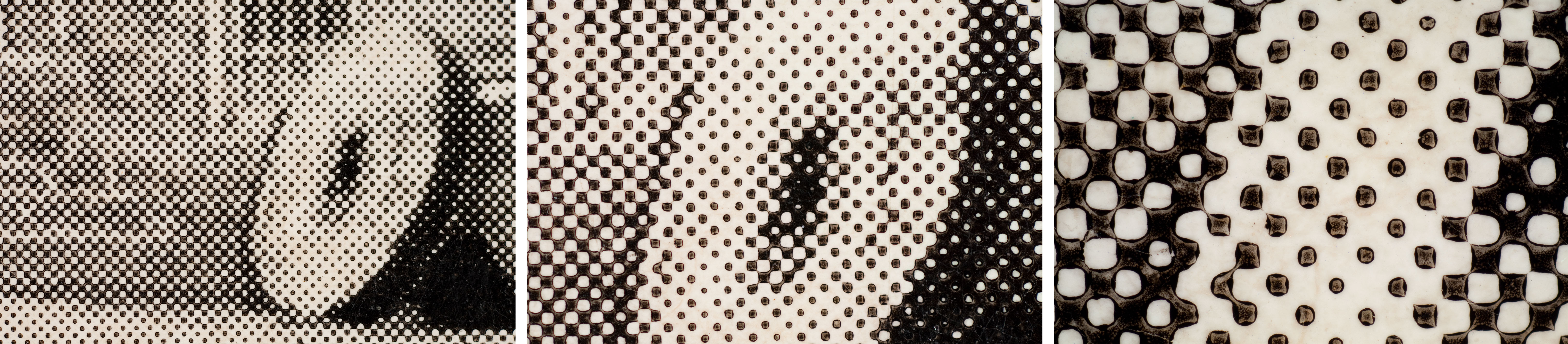
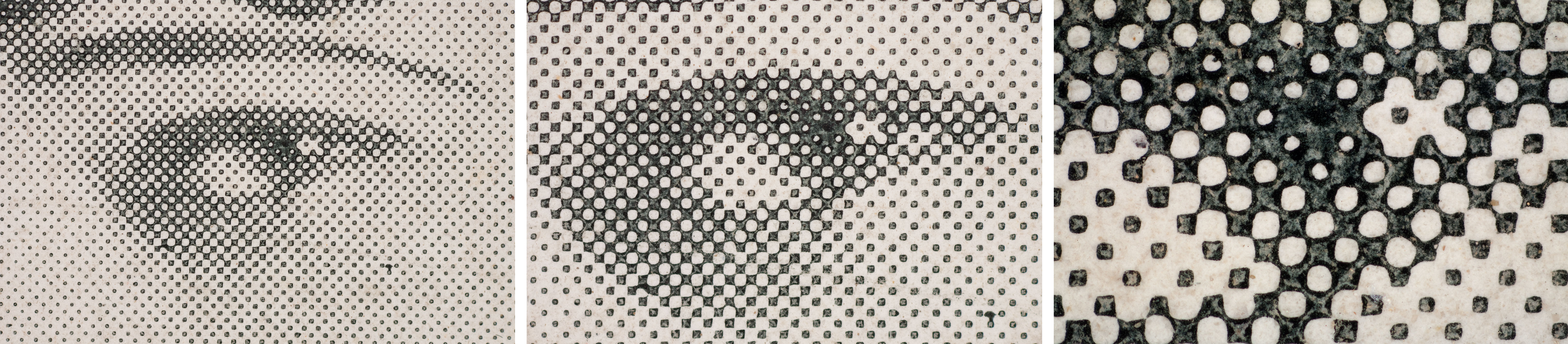
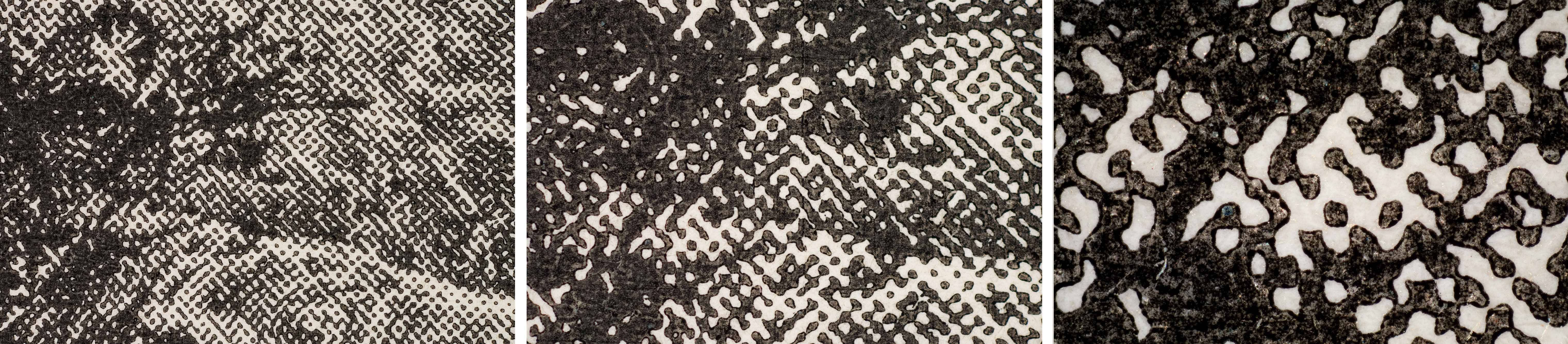
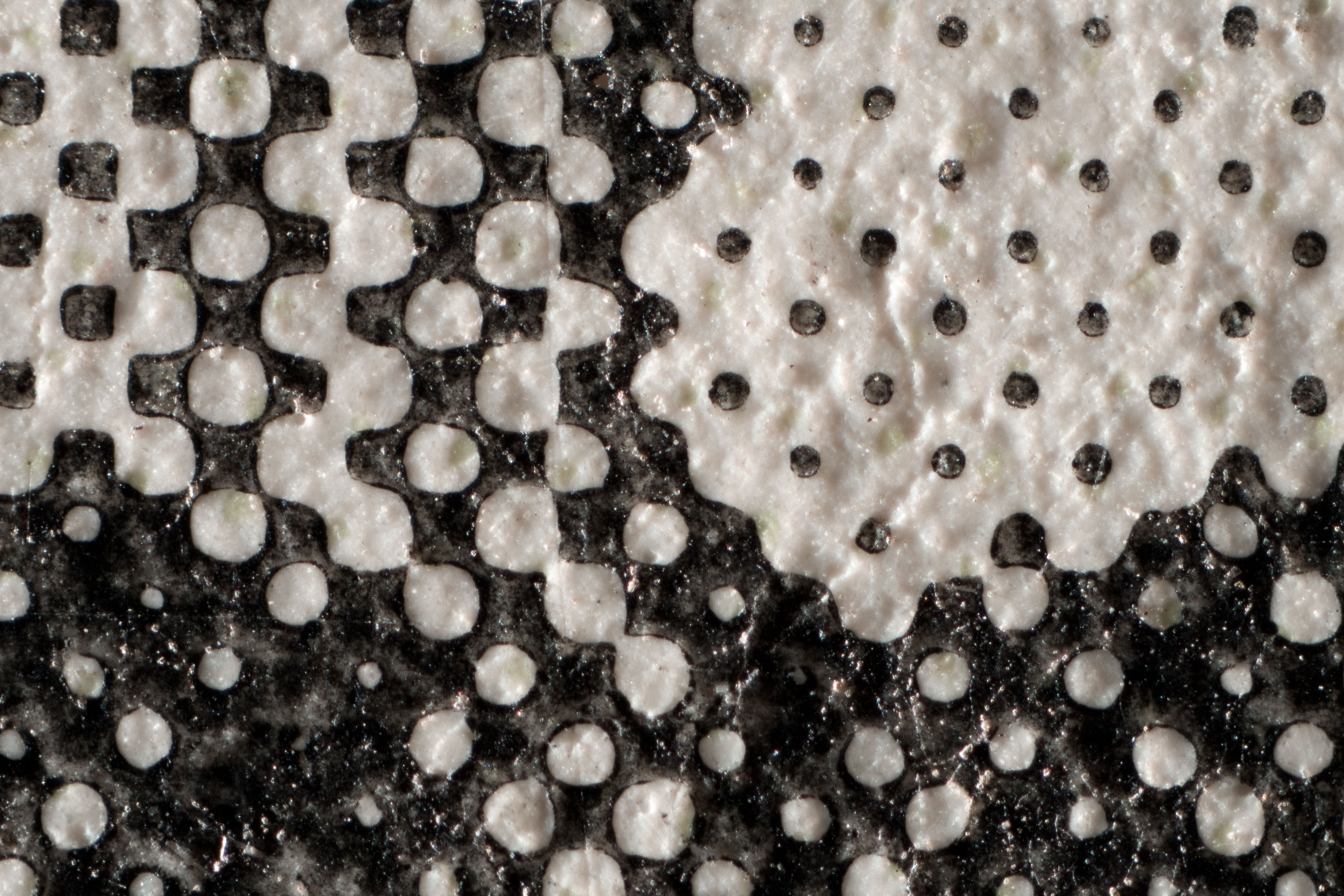
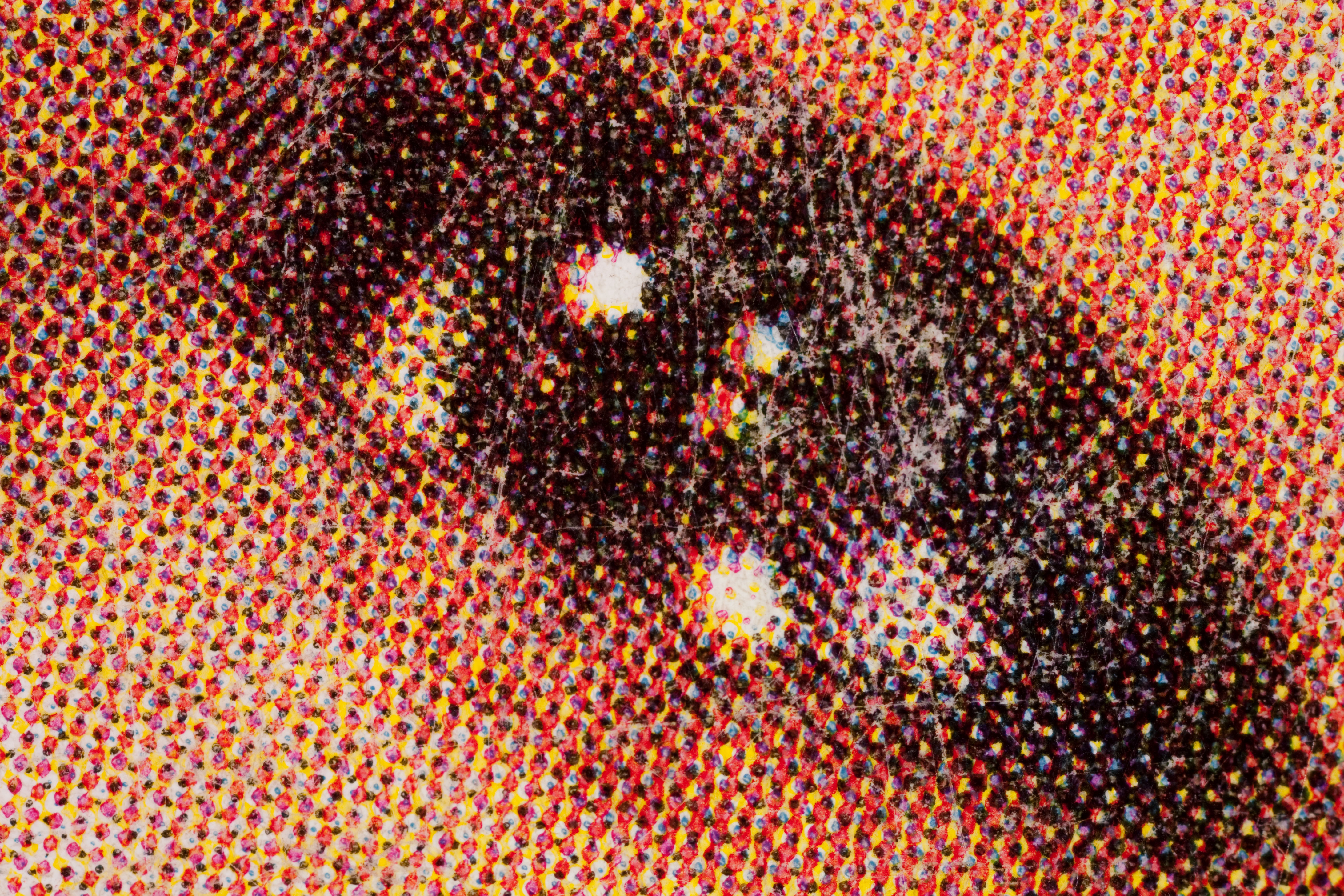
Letterpress halftone prints are most easily identified by their characteristic ‘ink squeeze out,’ also called ink squash, which can be seen under magnification. This identifier is created when the inked printing matrix is pushed into the paper’s surface during printing. The pressure from the printing press forces a build-up of ink around the dot edge. This halo of ink is darker than the center area of the dot. Ink squeeze out is usually easiest to see in areas of light to medium tonality. A rough paper surface combined with low printing pressure can make the ink squeeze-out more difficult to see.
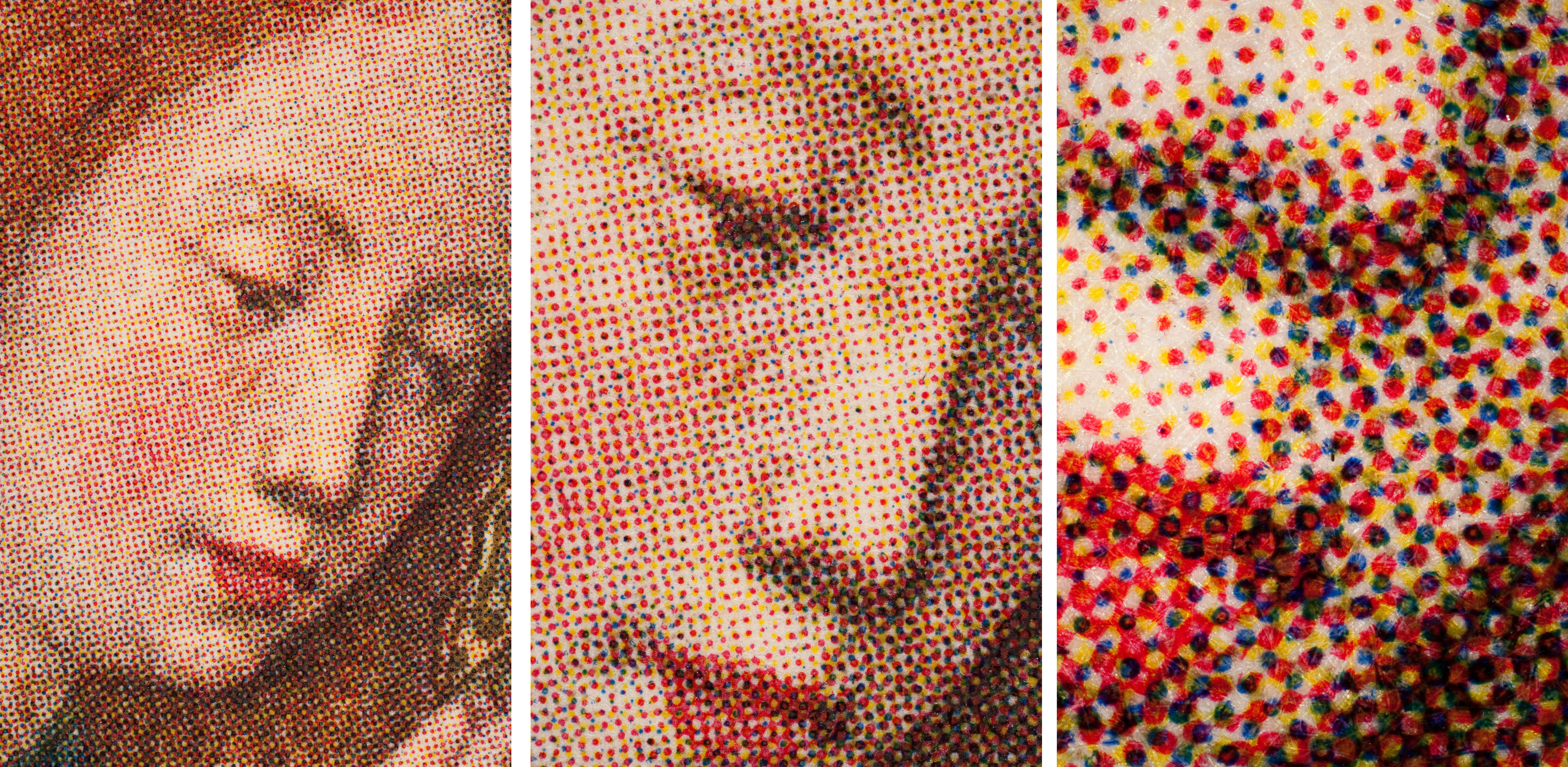
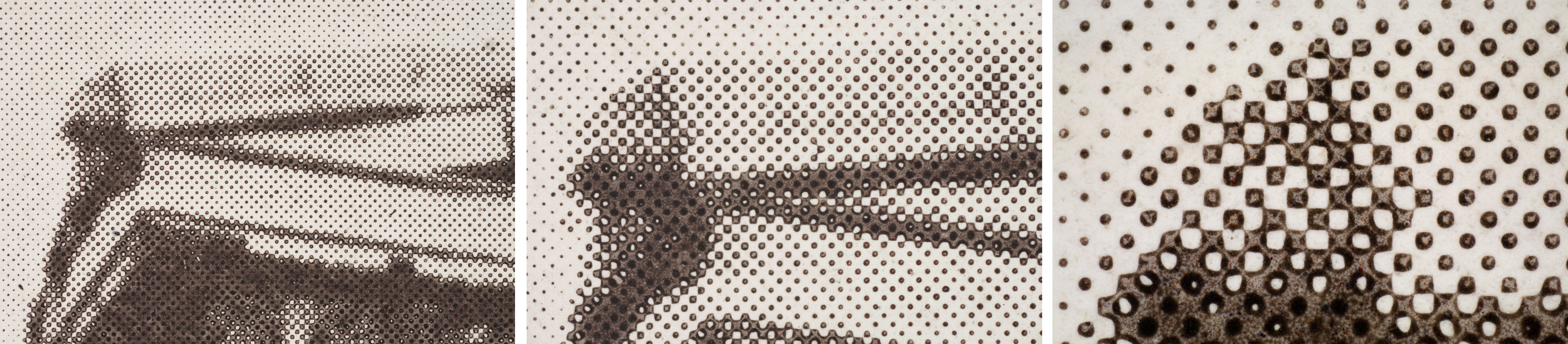
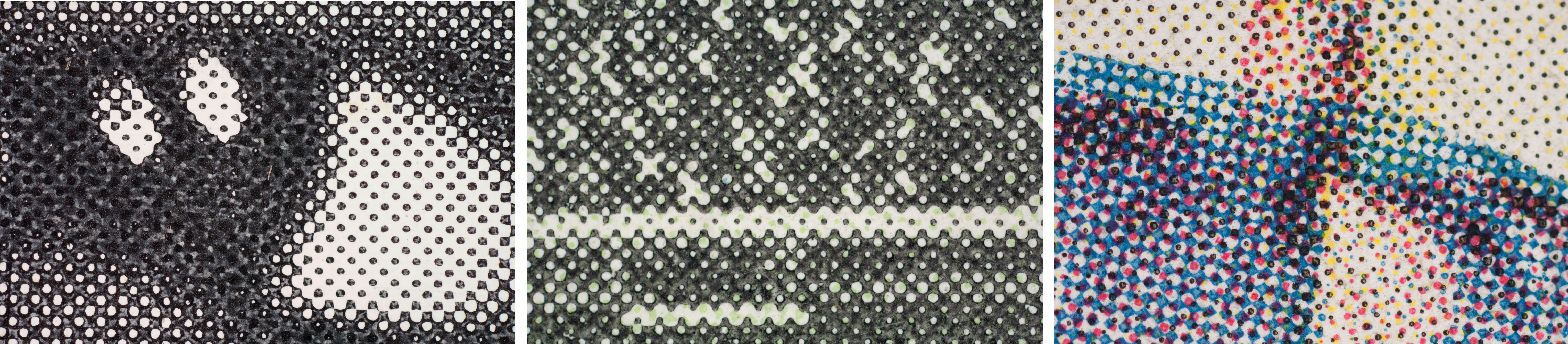
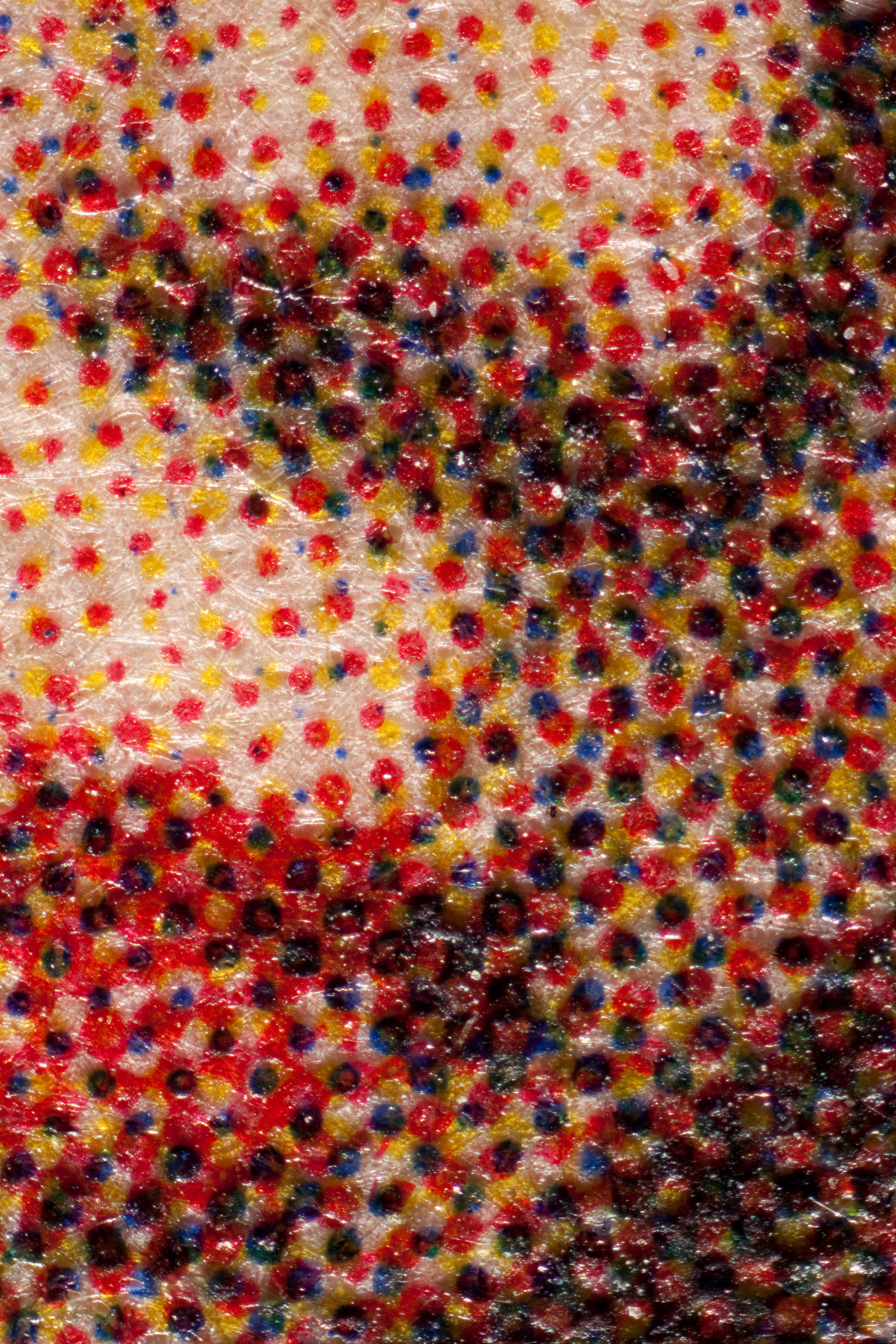
Another key identifying feature is that the image is composed of a halftone pattern; a regular network of large, sharp-edged dots. The halftone process involves the use of a process camera, which captures an image, projected through an angled halftone screen, on a sheet of high-contrast film. This patterned film is used to photographically create a metal relief plate that can be used for printing. This step is repeated using different screen angles when multicolored prints are desired.There are two types of screens. Amplitude modulated (AM) screens are the most commonly used screens in letterpress. AM screen dots are different sizes and evenly spaced. For example dots are larger in the shadows and mid-tones than in the highlights. Four color prints with an AM screen typically have a rosette pattern which is formed because each color separation is given a screen made at a different angle, each of which is specifically calculated to avoid moiré patterns. Less commonly used in letterpress is the frequency modulated (FM) screen, which produces a halftone with regularly sized dots printed at different frequencies. For example there are more dots in the shadows than in the mid-tones or highlights. Regardless of the type of screen used, the dots can be various shapes including round, elliptical, and square.
What to look for: Ink squeeze-out; halftone pattern, usually AM screen of different sized dots that are evenly spaced; various dot shapes (round, elliptical, square, etc.); misregistration possible when more than one color is present; rosette pattern in color prints
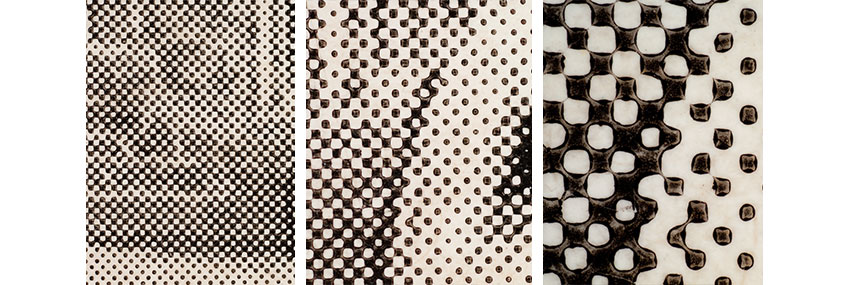
Characteristic ‘ink squeeze-out’ creating a halo of dark ink around the dot’s edge, seen at 10x, 30x and 50x magnification.
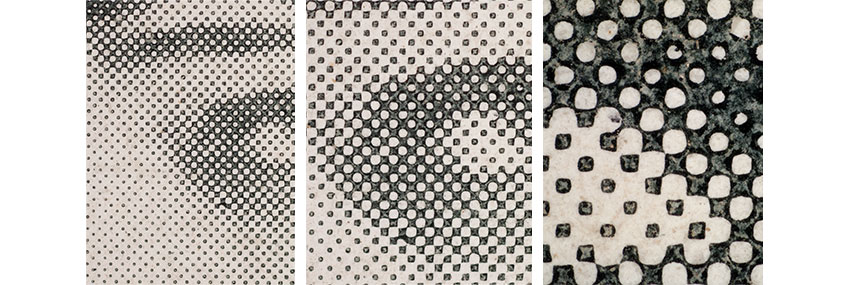
Characteristic ‘ink squeeze-out’ creating a halo of dark ink around the dot’s edge, seen at 10x, 30x, and 50x magnification.
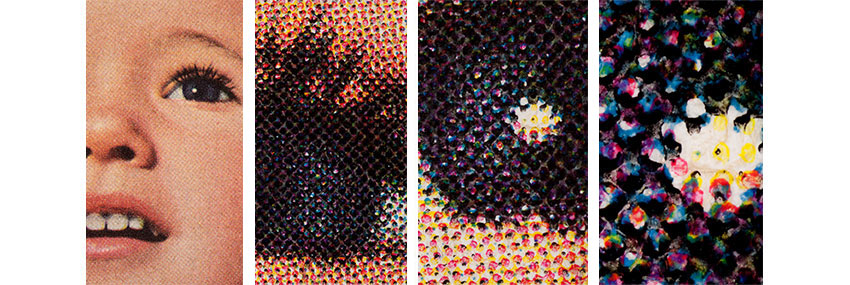
This image is composed of cyan, magenta, yellow and black dots. The use of an AM screen results in a rosette pattern seen at low magnification. The dots have characteristic ‘ink squeeze-out’ seen at 10x, 30x, and 50x magnification.
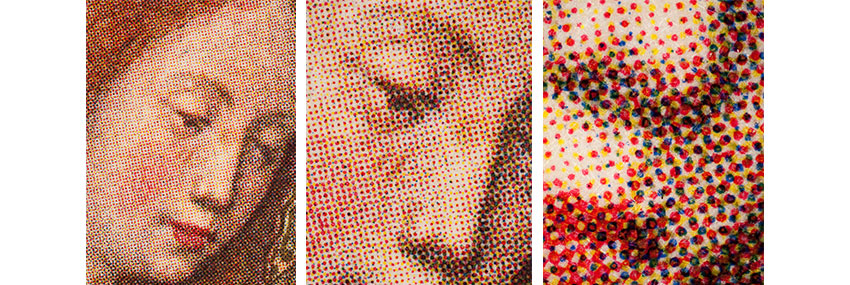
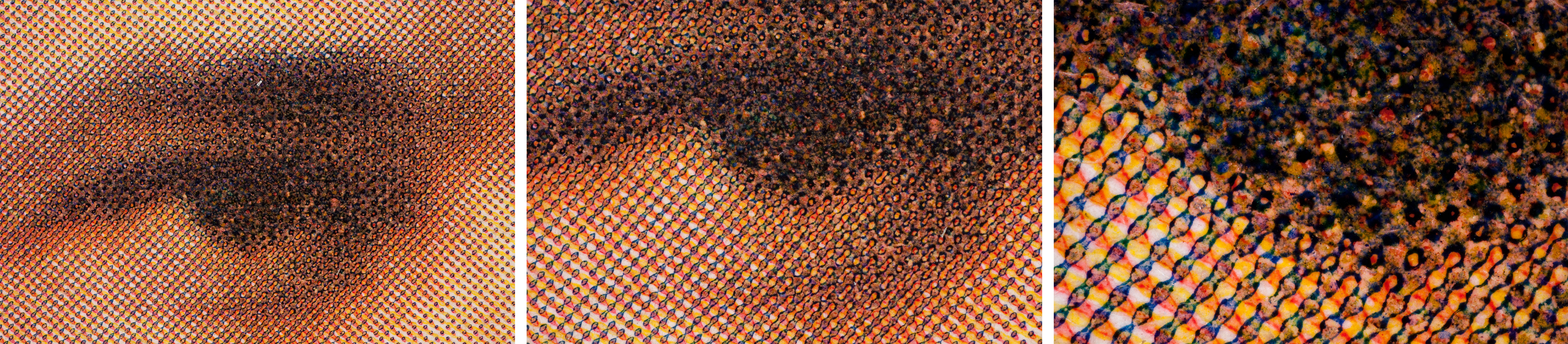
This three color image is composed of red, blue, and yellow dots.
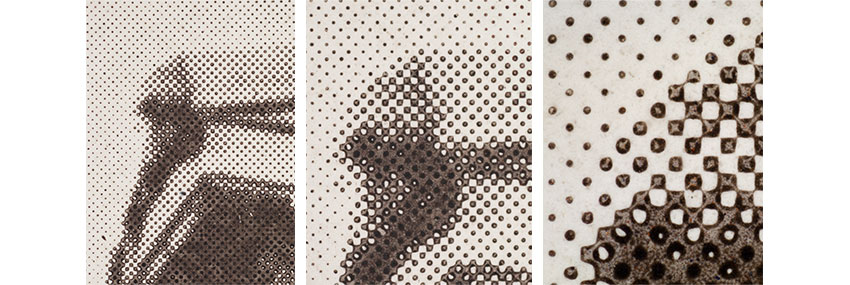
AM screen consisting of varying sized dots that are evenly spaced, seen at 10x, 30x and 50x magnification.
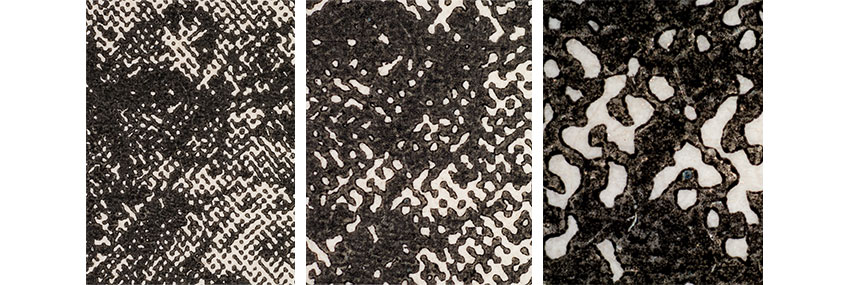
Letterpress halftone reproduction with an earlier dot structure seen at 10x, 30x, and 50x magnification.
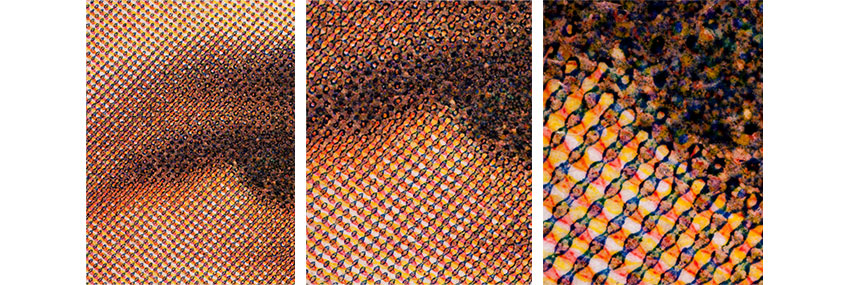
Three color letterpress halftone reproduction with an earlier screen pattern and dot structure seen at 10x, 30x, and 50x magnification.
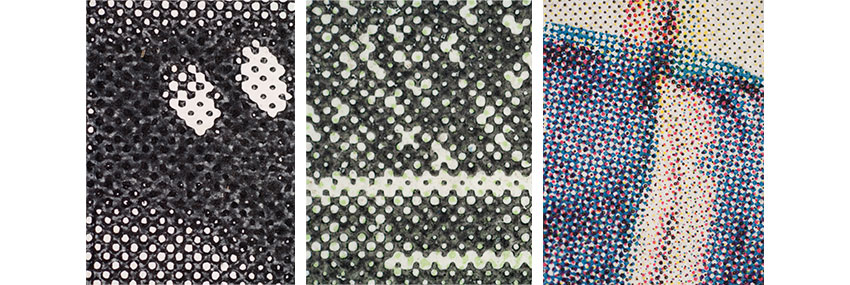
The image may be monochromatic, duotone, or composed of three or more colors.
Layer Structure
Letterpress halftone prints can have a single, double, or triple layer support depending on the structure of the paper used as a support. Single layer prints consisting of ink on uncoated paper are less common than two layer and three layer prints consisting of ink on coated paper.
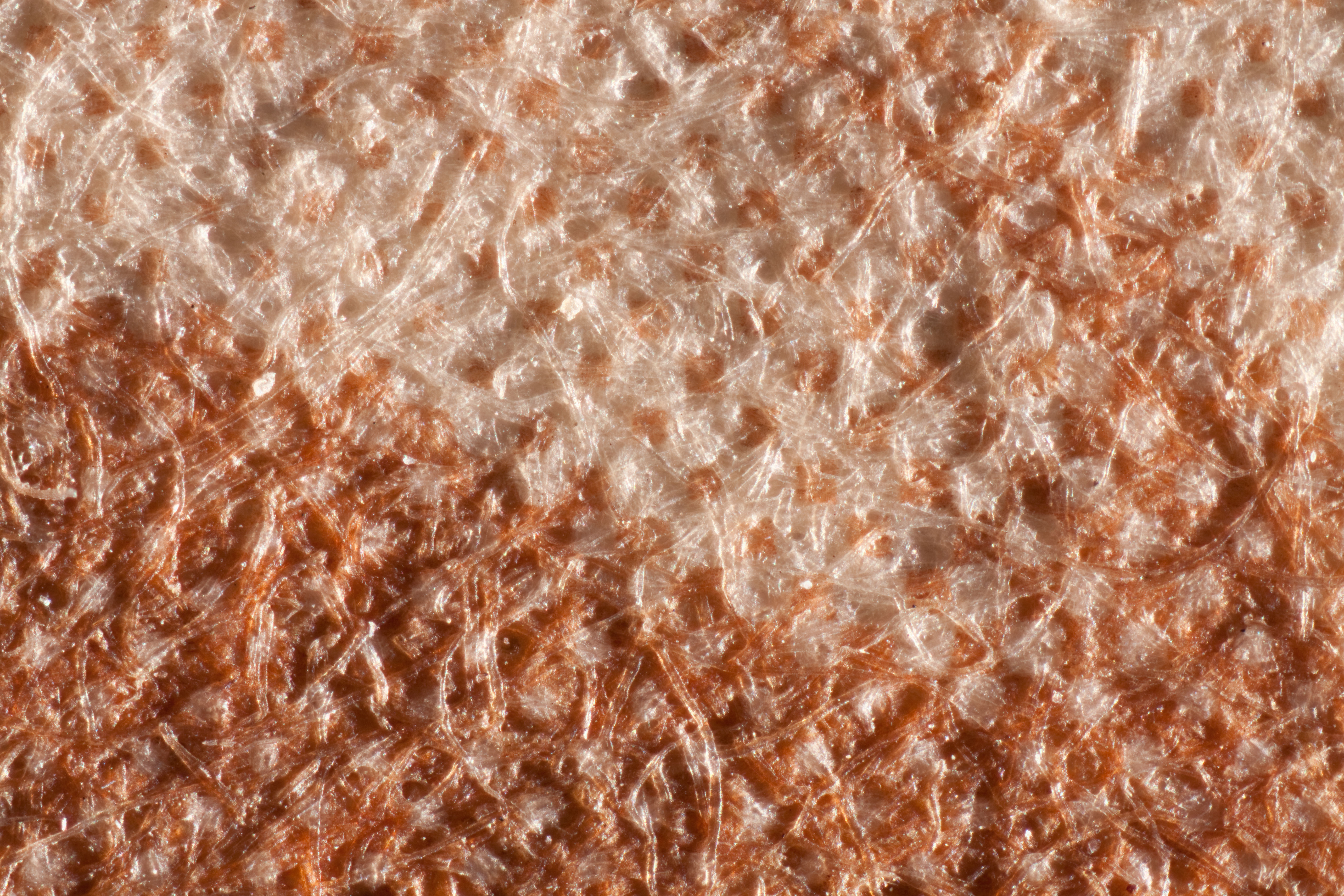
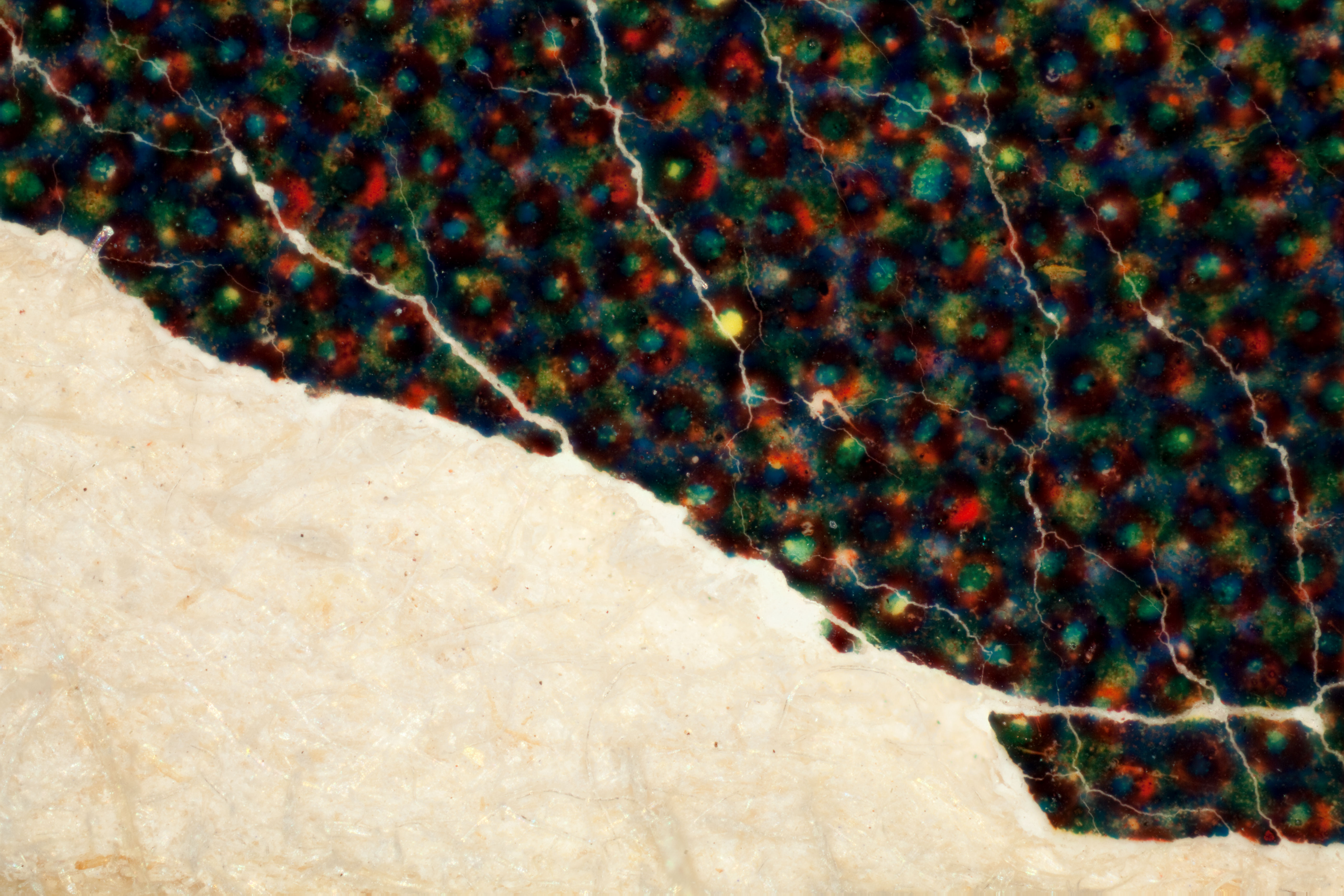
What to look for: Most letterpress prints have a two or three layer support. Slightly visible paper fibers indicate a two layer structure and the presence of a coating. Obscured paper fibers indicate a three layer structure and the presence of a baryta layer. Clearly visible paper fibers indicate a single layer structure. Damaged corners and edges may reveal multiple layers.
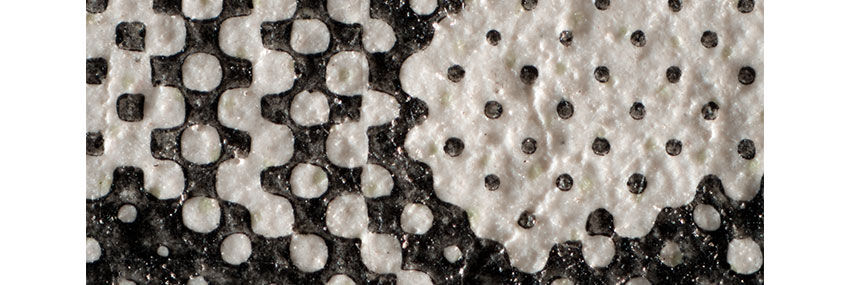
Paper fibers obscured with baryta-like layer indicating a three layer structure
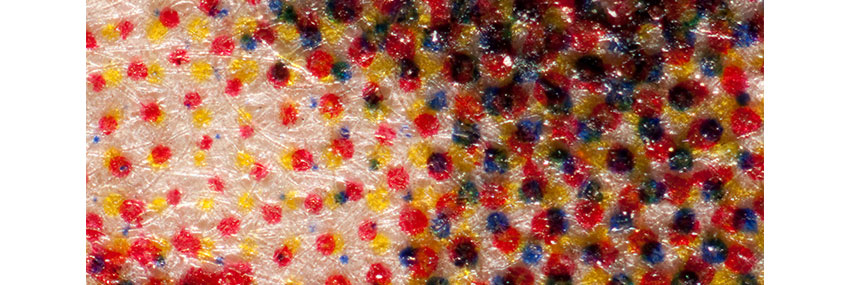
Slightly visible paper fibers indicate a two layer structure and the presence of a coating.
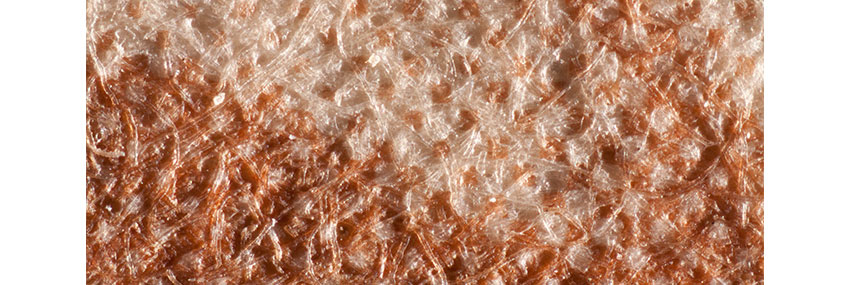
Clearly visible paper fibers indicate a single layer structure.
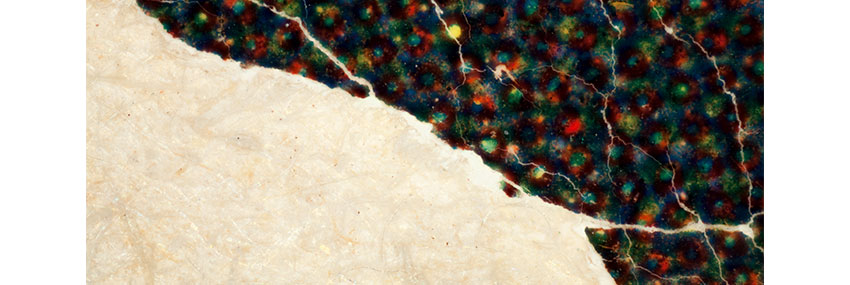
Mechanical corner damage reveals paper fibers below the baryta-like layer.
Deterioration Characteristics
High temperature, inappropriate relative humidity, and contact with poor quality storage or framing materials will cause discoloration and embrittlement, which leads to cracking of the paper support and/or surface coatings and loss. Poor handling may also cause abrasions of the printed image and cracking.
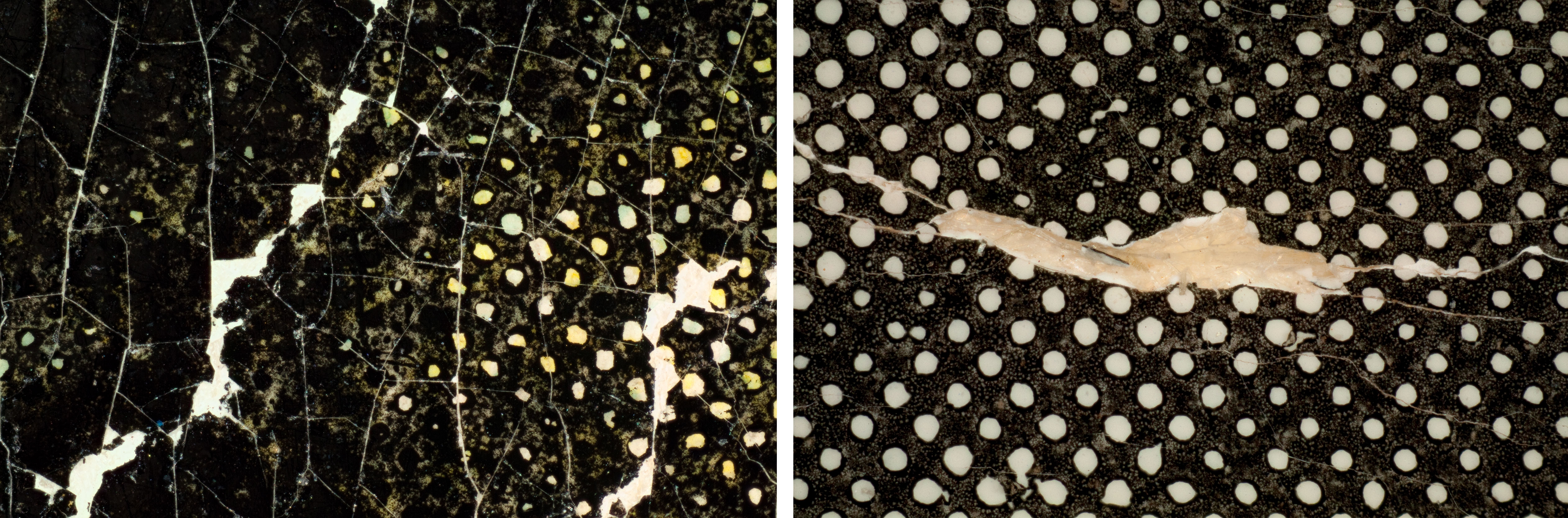
What to look for: Areas of abrasion, loss, or cracking
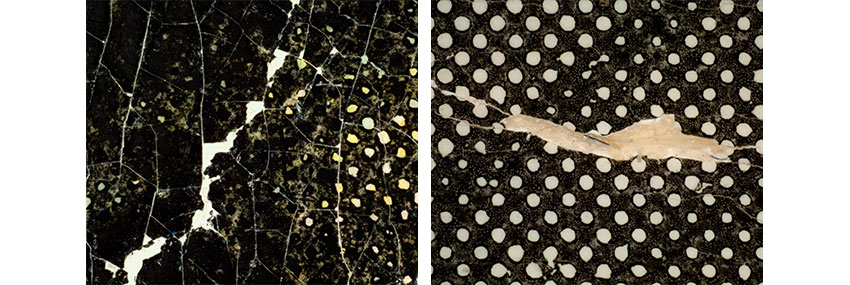
Cracking in paper coating.
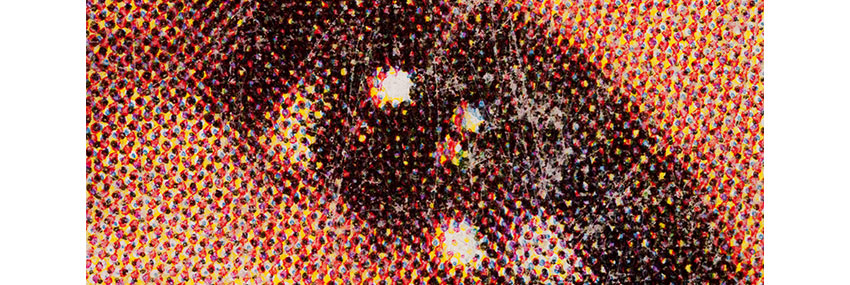
Abrasions on magazine cover caused by handling.